 Scis
ScisThe effect panels
The last dock group gathers the live effects, split into a panel per category so each holds only the effects it owns. An effect added here is live: it sits in the object's Appearance stack, previews on the canvas as you set it, and can be reopened or removed at any time without harming the artwork underneath. The Live effects and 3D pages cover what each effect does; this page is the map of where they live.
Stylize
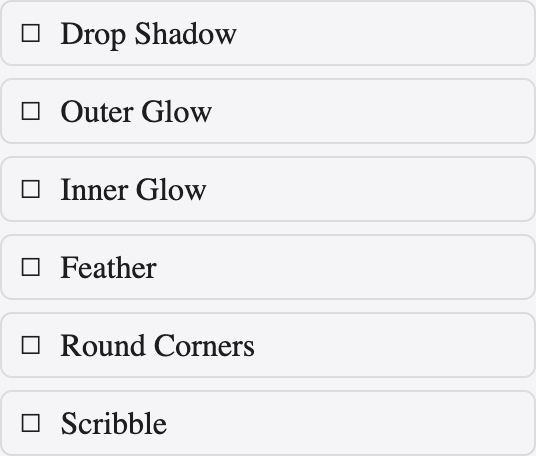
Stylize holds the effects that soften and finish an edge: drop shadow, inner and outer glow, feather, round corners and scribble. Turn one on and its settings appear inline; the result previews live and stays editable in the Appearance stack.
Blur

Blur carries the Gaussian Blur effect — a soft, even blur applied live, so the radius can be changed or the blur removed later without flattening the artwork.
Distort & Transform
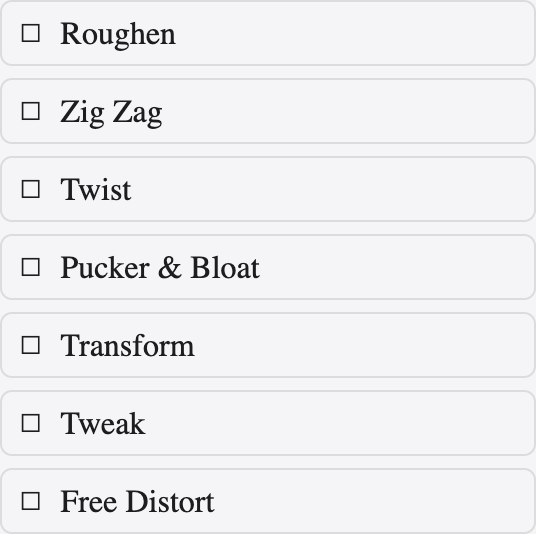
Distort & Transform reshapes a path without touching its anchor points: pucker and bloat, twist, zig zag, roughen, tweak and a transform effect that can move, scale, rotate and make repeated copies — all live, so the underlying path stays clean.
Path
Path holds the path-shape effects: offset path, which grows or shrinks the outline by a set distance, and outline stroke and outline object, which turn a stroke or a shape's edge into a fillable path — kept live until you choose to expand them.
Pathfinder

This is the Pathfinder set as a live effect applied to a group: unite, minus, intersect and the rest combine the group's contents on the fly, so editing a member re-runs the combination. It differs from the Pathfinder panel, which cuts the paths for good.
Warp

Warp bends artwork to a preset envelope — arc, arch, bulge, flag, wave, fisheye and more — with sliders for the bend and for horizontal and vertical distortion. As a live effect it flexes the artwork while leaving the real paths untouched.
3D
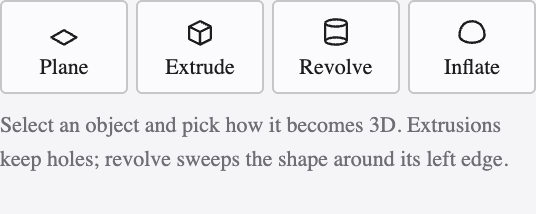
The 3D panel turns a flat shape solid: extrude and bevel, revolve and inflate, with control over the rotation, the perspective, the lighting and the surface. It runs as a live effect, so the shape, the angle and the material stay editable. The 3D page walks through it in full.