 Scis
ScisGrids
Every board in Scissor carries its own grid, so different parts of a document can use different guides. Turn one on with View › Grid › Show Grid (⌘').
The six kinds of grid
Under View › Grid you pick the kind: Orthogonal is a plain square grid; Isometric draws three axes at 30° for boxes and rooms; Hexagonal and Oblique suit tiles and side-on views; Golden Ratio divides by 1.618; and Perspective converges to vanishing points. The Grid Panel sets the spacing, subdivisions and angle, and Snap to Grid (⇧⌘') makes what you draw land on it.
The isometric grid
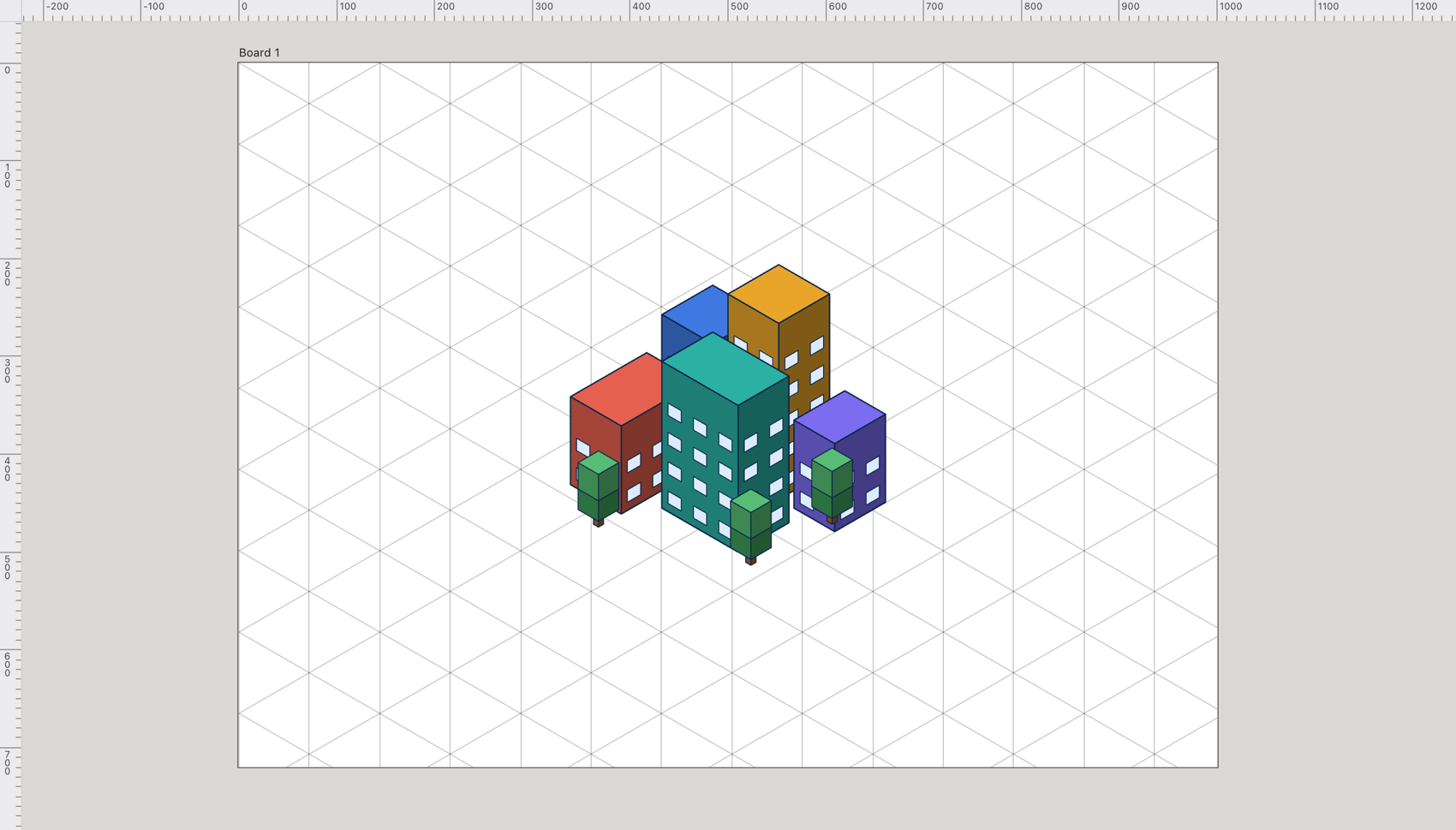
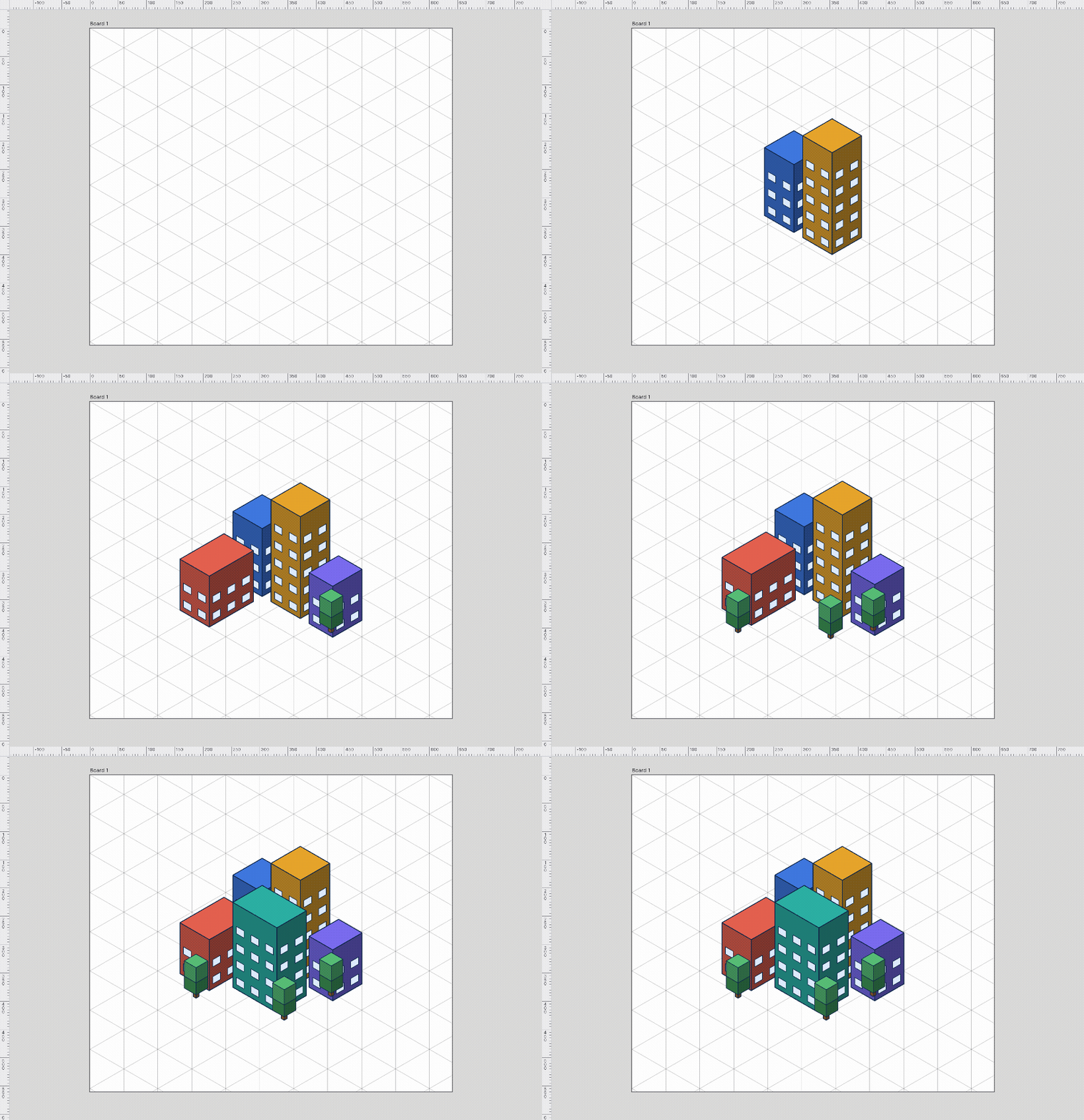
The isometric grid draws its three axes at 30°, so every wall of a box follows one of them and shapes stack without measuring. While the grid is showing, the shape tools draw along its axes.
The perspective grid
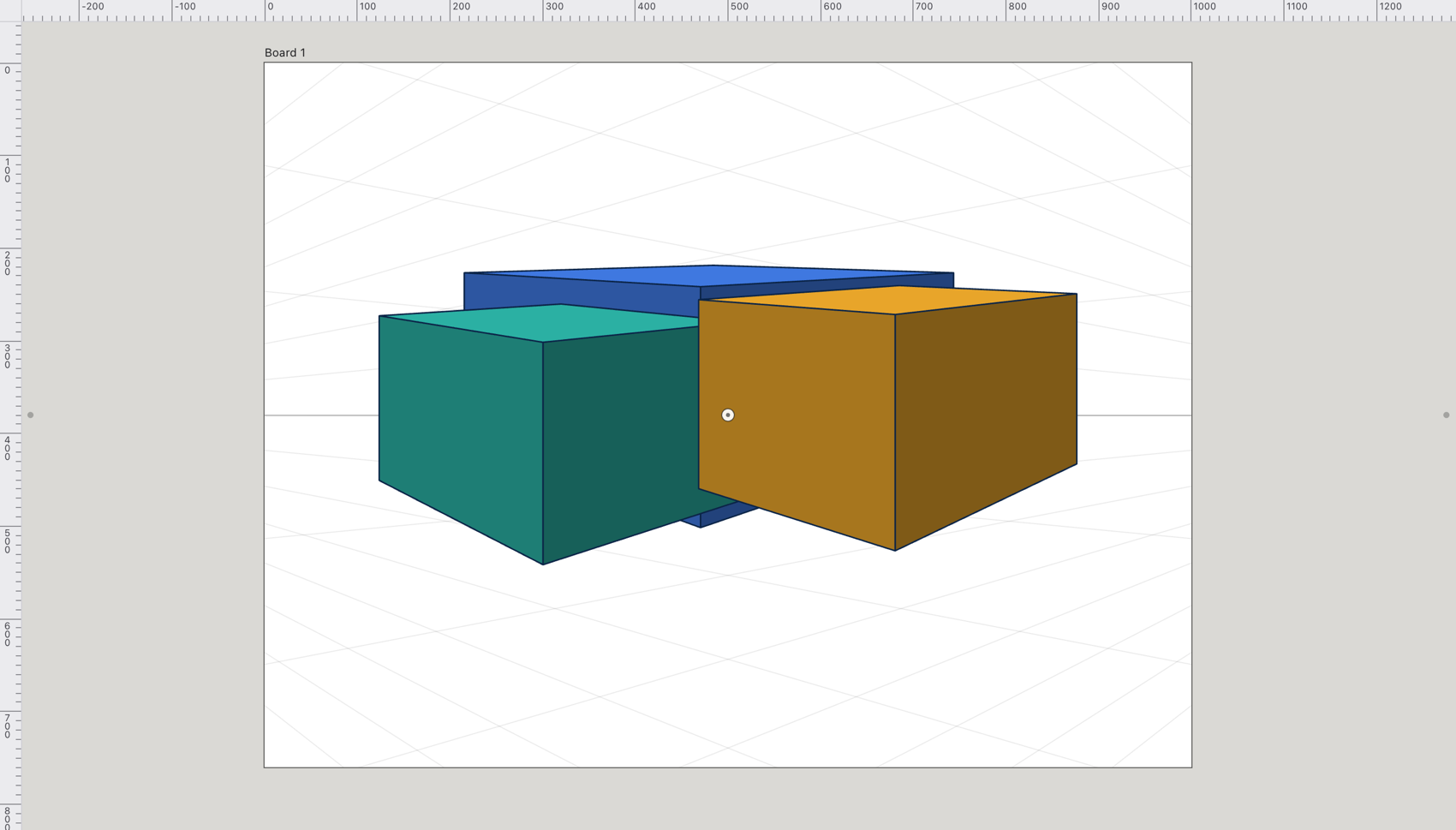
The perspective grid runs its guides to one, two or three vanishing points on a horizon. Set it up with the Perspective Grid Tool (⇧P): drag the vanishing points, drag one up or down to move the horizon, and press 1 to 4 to pick the plane you draw on. Shapes drawn on the grid share one perspective.